Workforce & organization
Employees, branches, departments, positions, levels, holidays, and company profile.
Sumber Solusi Optimal
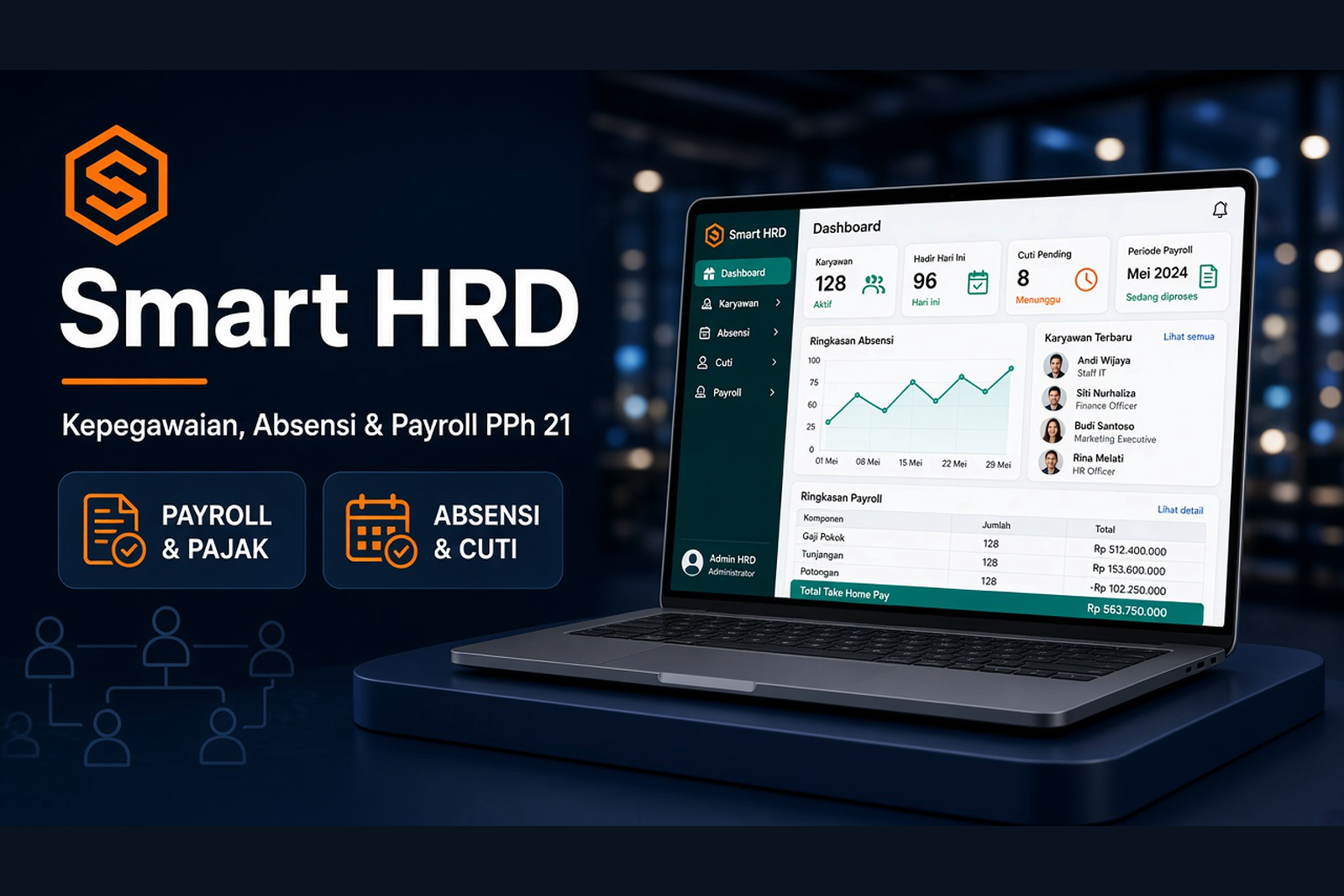
Smart HRD unifies workforce data, GPS attendance (priority), fingerprint machines, WFH requests, leave, overtime, PPh 21 TER payroll, BPJS, THR, performance, training, and recruitment — so HR, finance, and managers share one accountable flow.
Business value your team can feel once the product is in use.
Prioritize GPS check-in, supported by fingerprint machines, plus WFH requests tied to approvals.
Run payroll with monthly TER, Article 17 reconciliation, PTKP, job-expense deduction, and 1721-A1 withholding slips.
Employees check in, request leave, and download payslips without waiting on admin.
Admin, HR, Manager, Finance, and Employee each get menus matching their authority.
Modules and capabilities that support day-to-day operations.
Employees, branches, departments, positions, levels, holidays, and company profile.
GPS-based check-in as the priority, fingerprint-machine integration, WFH requests, plus shifts and attendance records.
Leave types, requests, approvals, and overtime per policy.
Pay components, periods, payroll runs, BPJS, and prorated THR.
Tax calculator, TER categories A/B/C, and final-period reconciliation.
Performance reviews, training programs, job vacancies, plus reports and audit logs.
Real usage patterns in organizations facing similar challenges.
Manage multi-branch, multi-department, and centralized payroll.
Unite employee data, attendance, leave, and monthly tax calculation.
Leave/overtime approvals and self-service in one app.
A clear path from first discussion to day-to-day operations.
Add company profile, branches, departments, positions, and users.
Enter workforce data, pay components, and placements.
Enable GPS check-in, connect fingerprint machines, allow WFH requests, plus shifts and leave.
Create the period, process pay & PPh 21, then share slips in the employee portal.
Short answers before you schedule a consultation.
Workforce, attendance, leave, overtime, payroll, PPh 21 TER, BPJS, THR, performance, training, recruitment, reports, and the employee portal.
Yes. Monthly TER categories A/B/C, Article 17 reconciliation in the final tax period, PTKP, and job-expense deduction are supported.
Admin, HR, Manager, Finance, and Employee — each with different menus and permissions.
The primary method is GPS check-in. Fingerprint machines are supported as an alternative. Employees can also submit WFH requests that enter the approval flow.
Contact the SSO team for an HR–payroll demo tailored to your process.
Tell us your workforce, attendance, and PPh 21 needs. We will help design a Smart HRD rollout.